Sealed sharing
How to share a password securely with a person
Short answer
To share a password securely, send it as an encrypted link that opens once and expires, and send the access code that unlocks it separately, for example by phone. Do not paste the password into email, text or chat, where it stays readable in every inbox, backup and synced device.
With Argoned, the password is encrypted in your browser, the person needs no account, and the sealed link stops working after one opening or at expiry.
The problem
Why not just send the password by email or text?
- Messages are kept for years, on both sides, and copied to every device and backup.
- If either account is broken into later, the password is there to find.
- Forwarding, screenshots and shared channels spread it further.
- You cannot take a message back once it has arrived.
Everyday uses
When to share a password this way
- Giving a contractor or agency one login for a project.
- Sending a client the admin password for a site you built.
- Passing a Wi-Fi password, door code or PIN to someone staying with you.
- Sending an API key to a developer who will set up an integration or an AI agent.
Step by step
How to share a password with Argoned, step by step
-
Open the item in your vault
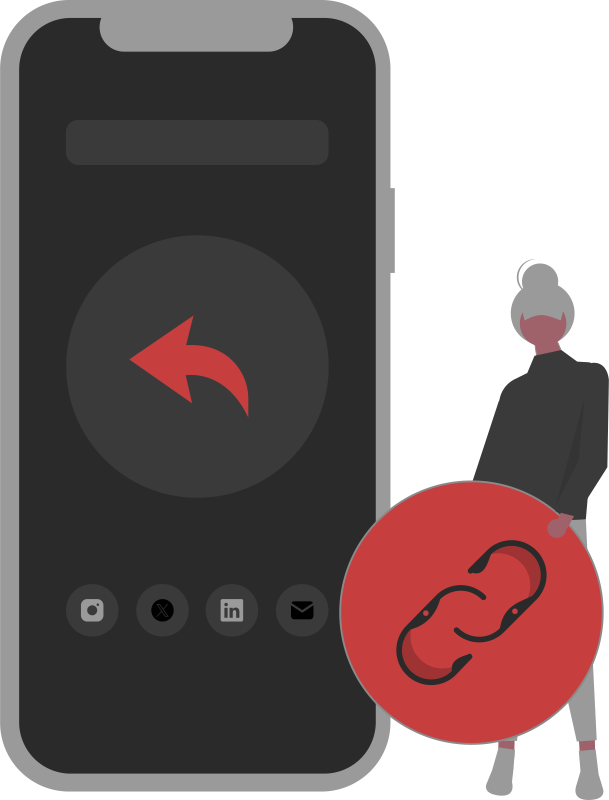
In your Argoned vault, open the login and tap Share on the field you want to send. You can share password, secret, PIN, API key, token, passphrase, private key and SSH key fields.
-
Choose how long the link lasts
Pick 1 hour, 24 hours, 48 hours or 7 days. The default is 48 hours; choose the shortest that works.
-
Send the link one way, the code another
For example, send the link by email and the access code by phone or text message. Someone who has only one of them cannot open it.
-
They open it in a browser
They do not need an account or an app. After they type the code, the password is shown in their browser and cleared from the page after a minute without activity.
-
Check it was opened
In your vault, go to Session → Shared links to see whether the link has been opened, or to cancel it if it has not.
Send by email
Why “Send by email” is only for low-risk items
The vault also has a “Send by email” button for convenience. It sends the link and the access code together in one email, through our server, so that email alone can open the sealed link. For anything important, copy the link and the code yourself and send them separately. Never use the email button to send a credential to an AI agent.
Afterwards
What to do after you share a password
- If the access was temporary, change the password when the work ends.
- Where the service offers it, give people their own account instead of a shared password.
- Keep two-step verification on, and decide who receives the sign-in codes.
FAQ
Questions

What is the safest way to send a password?
Use a one-time encrypted link, and send its access code by a different route. When the person no longer needs access, change the password.
Does the receiver need Argoned?
No. They need a modern web browser and the access code.
Can I share a whole login with username and password?
Each sealed link carries one field. Usernames and email addresses are rarely secret, so send the username in your message and the password as a sealed link.
What if the link expires before they open it?
The link stops working and shows nothing. Create a new sealed link and send it again, with the access code by a different route.
Is sealed sharing included on the Free plan?
Yes. It is included on Free and Pro, and sealed links do not count towards your items.
Keep reading
- Encrypted credential sharing for AI agents How a sealed link works, step by step.
- Let an AI assistant run errands without your passwords One login per errand, not your list.
- Is it safe to give an AI agent your password? What pasting a password really exposes.
- Hand over API keys for n8n, Zapier or Make Collect client keys without email or chat.
- AI agents Five ways to hand over a login, compared.
- Pricing Free: 8 items and sealed sharing with AI agents and people, no card. Pro: £2.99 a month for 512 items and import.
- Security How Argoned encrypts each item and each shared credential in your browser, what our servers store, and what is not protected yet.
Sources
- Argoned public code (MIT) · GitHub, read 16 October 2026
Need to share a password? Send it sealed.
Seal it in your browser and send a link that opens once, with the access code by a different route.
£0 · Free plan, no card needed · Encrypted in your browser